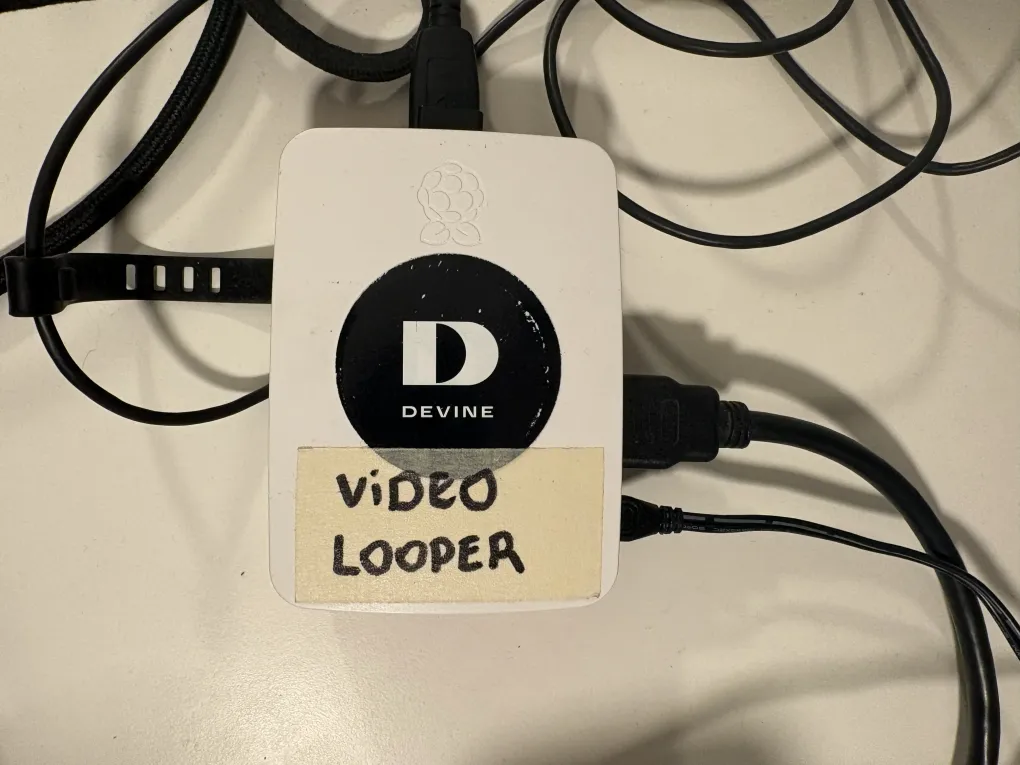
I want to be able to play audio through the phones and record sound from them, sometimes at the same time for both phones. Doing all of this with a single Arduino isn’t really possible because it can only handle one task at a time and lacks the processing power for high-quality audio. While I could add more Arduinos, it would still be a struggle with memory limits. So, I’ve decided to use a Raspberry Pi for the heavy lifting, while the Arduino continues to control the electrical components and relays.
My First Pi Steps
Before I can start programming the Pi and connecting it to my Arduino, I need to understand how it works and what changes my circuit needs. My current circuit operates on 5V, but the Raspberry Pi uses 3.3V for its logic.
The Pi has a set of GPIO pins, but honestly, I’m a bit nervous about using them; one wrong move could easily fry the board! Luckily, the Pi also comes with standard ports that are a bit more “plug-and-play,” like several USB ports, an HDMI output, and a 3.5mm audio jack.
How can I play sound?
The main reason I’m using a Pi is to play sound through my phones.
1. Using the 3.5mm audio jack output
Using the 3.5mm audio jack output seemed like the easiest path. I would just need a jack with screw terminals to wire it into the circuit. Because the phones are mono, I could even split the stereo signal to play different sounds to each phone at the same time.
But I quickly realized a problem: the port is for output only and can’t record. Since I need to record conversations, this option won’t work.
2. Using a sound card
Another option is to use USB sound cards. These devices plug into the Pi’s USB ports and provide two separate connections: one for output (playing sound) and one for input (recording). To make this work for both phones, I would need two sound cards and four audio jacks, one to play and one to record for each phone.
While this would probably be the best solution, I don’t have any sound cards at the moment. And I don’t want to buy even more components if I can avoid it. So, are there other options?
3. Using a DAC
After looking into it further, I realized where the real problem lies. A Raspberry Pi sends out digital signals, but the vintage phone needs to receive an analog signal. To bridge this gap, I need something that can convert digital data into an analog waveform.
While there are specialized “shields” (HATs) to handle this, it’s actually a task an Arduino can perform. And since I have two Arduino Nano IoTs, I started wondering: can I use them as my converters?
It turns out they can, as they have pins capable of simulating analog outputs. Is this the easiest solution? Definitely not. But since I already have the parts, it’s definitely the cheapest!