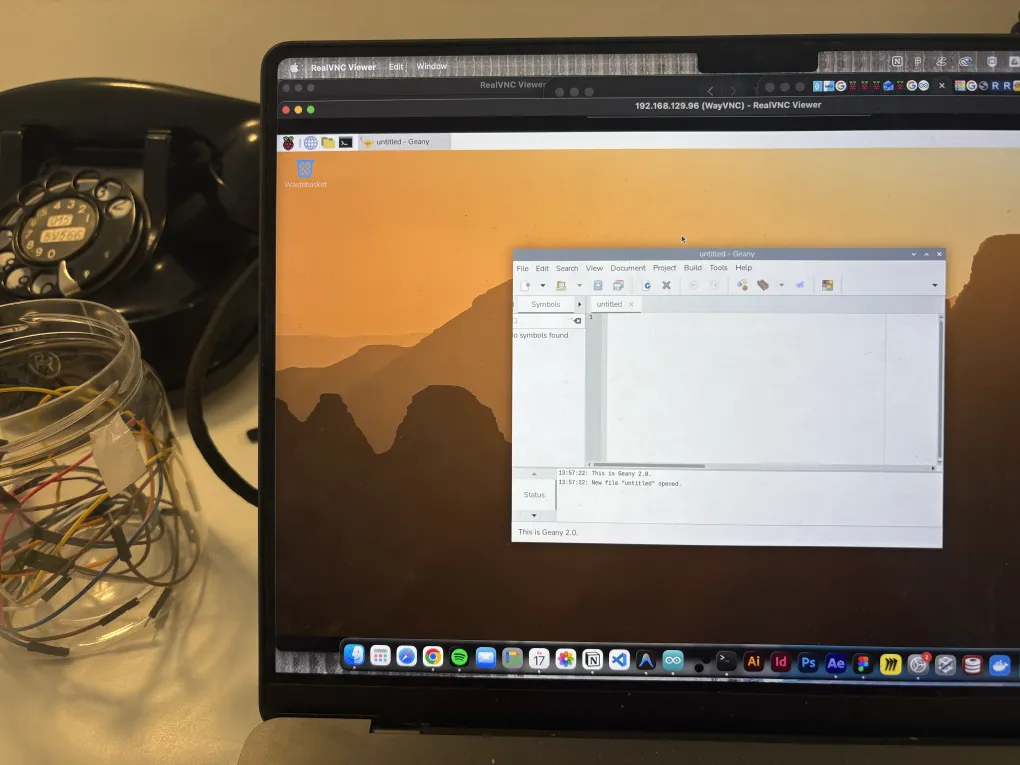
Install an OS
Since a Pi is totally new to me, I followed some tutorials to get started. First of all, I needed to set up the Pi and install an OS on it. So I followed the documentation from the Raspberry Pi website: Raspberry Pi getting started.
Raspberry Pi x Arduino
I don’t just need a Pi; I also need a connection between a Pi and my Arduino. So to try this out, I followed this tutorial: Connect Your Raspberry Pi and Arduino Uno.
Arduino IDE on Raspberry Pi
Maybe it would be easier to just have the Arduino IDE right there on the Pi. That way, I can check the serial output and tweak things without constantly swapping my laptop in and out.
To set it up, I followed this tutorial: Install and Run Arduino IDE on Raspberry Pi. Because I’m using an Arduino Nano 33 IoT, the IDE doesn’t know what board it is yet. I have to install the board settings in the manager, but I’m stuck on how to do that… (Okay, maybe I just haven’t put enough effort into it yet!)