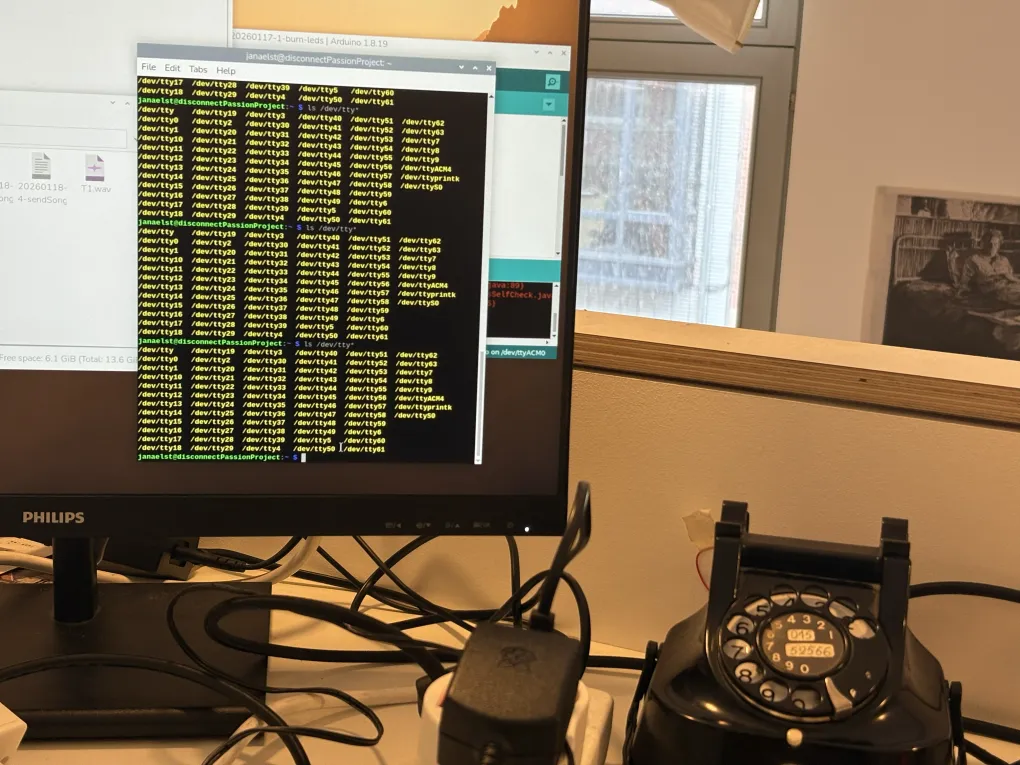
Yesterday, I successfully programmed the Arduino to detect phone states (off-hook, on-hook, and dialing). Today, the project moves to the Raspberry Pi, where I’m writing a Python script to act as the central controller. This script needs to listen to the “MAIN” Arduino, manage a dialing buffer, and stream audio files back to the phones when a specific number is called.
The Architecture: Three Arduinos, One Brain
My setup currently uses three Arduinos, so the first challenge was identifying which is which. I implemented a handshake protocol where the Pi scans all USB ports and sends an IDENTIFY command. The Arduinos respond with their names (MAIN, T1, or T2), allowing the Pi to map them correctly regardless of which USB port they are plugged into.
Handling the Dialing Logic
Rotary phones send pulses, and my Arduino converts those into digits. However, a single digit isn’t enough to trigger an action. I implemented a dialing buffer in Python:
Buffer System: The Pi collects digits until it reaches a 2-digit number (e.g., “05”).
Reset Logic: If the user dials a 0, the buffer clears—acting as a “cancel” button.
Action: Once two digits are collected, the Pi looks for a corresponding .wav file (e.g., sender-05.wav) to play.
Multi-threaded Audio Streaming
The most complex part of today was streaming audio. Since the Arduino’s memory is tiny, I can’t send the whole file at once. Instead, I’m sending the audio in 64-byte chunks. But this one I already tested before in a little demo.
To prevent the audio from blocking the rest of the script (like listening for the user to hang up), I used the threading library. Each audio stream runs in its own background thread. If the user hangs up mid-song, the Pi catches the TX_ONH signal and immediately kills the thread, stopping the music.