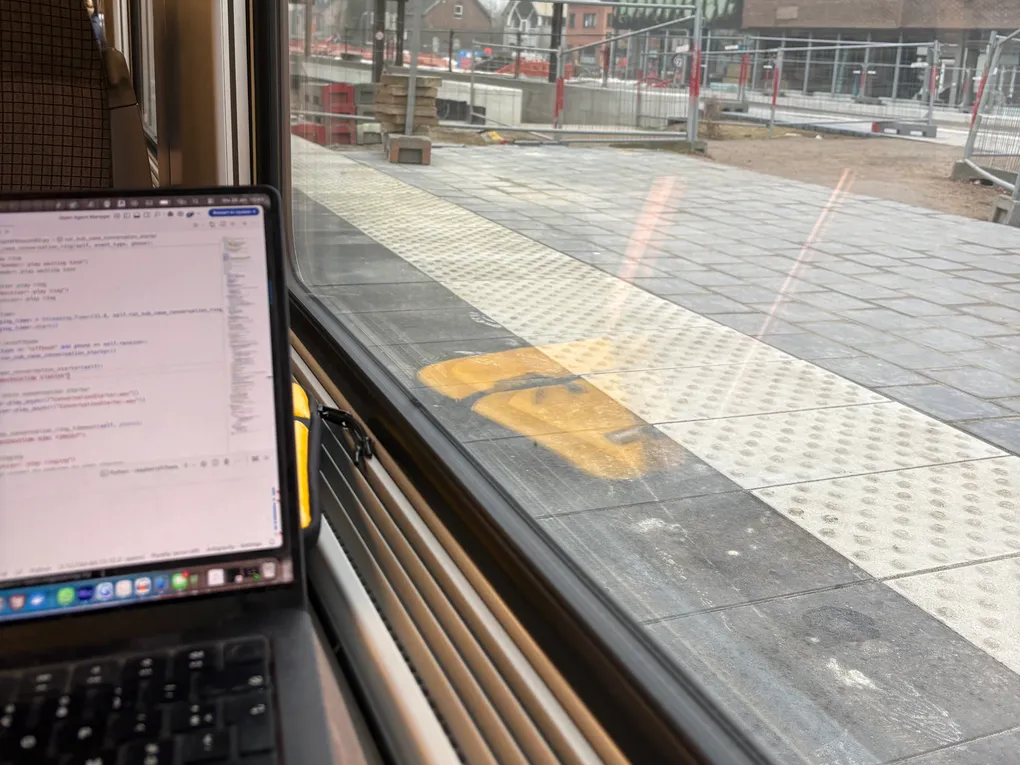
Today was all about making the Python logic actually work.
Debugging a physical system can be exhausting. I didn’t want to spend the whole day opening phones, picking up receivers, and dialing numbers manually. To speed things up, I came up with a maker’s hack: I mapped each phone’s audio channel to one side of my headphones (Left for Phone 1, Right for Phone 2).
Instead of waiting for serial data from an actual Arduino, I built a Terminal Adapter that allowed me to type commands like T1_OFFH (Phone 1 Off-Hook) directly into my laptop. It was a refreshing day of pure coding, fixing things from my keyboard without touching a single screwdriver.
How the system thinks
To handle the complex user flow, I couldn’t rely on simple if-else statements, the code would have turned into spaghetti code instantly. Instead, I built a State Machine. I split the logic into two layers: System Modes and Phone States.
1. System Modes (global logic)
This tracks the overall state of the system:
- IDLE: All quiet. Both phones are on the hook.
- CALL_SETUP: Someone picked up and is currently choosing a topic.
- CONVERSATION: Both phones are connected.
- VOICEMAIL: Someone is leaving a message because the other side didn’t answer.
2. Phone States (individual logic)
Each phone tracks its own lifecycle independently. A phone might be DIALING, RINGING, or RECORDING.
By separating these, the system can handle complex interruptions.
Example: If Phone 1 is recording a voicemail and Phone 2 is picked up mid-sentence, Phone 1 hears an incoming call beep. The user can then choose to dial a number to switch to a live call or refuse it to keep recording.
The Code
To make this work, I had to implement some multi-threading. Here is the breakdown of the Python logic.
__init__
In Python, methods like __init__ are called Dunder Methods (Double Under-score). These run automatically. The moment I create a new phone object (phone = Phone(1)), __init__ initializes its audio channels and dial buffers so it’s ready to go.
Multi-Threading
If the script is busy playing a 10-second intro file, it can’t listen for the rotary dial at the same time unless you use threads.
- threading.Thread: I put audio playback into a separate thread (a mini-brain). This leaves the Main Brain free to keep watching the serial port for dial pulses.
- threading.Event(): Think of this as a traffic light. The audio thread constantly checks if the light is green. If the user dials a number, the main brain turns the light red (stop_event.set()), and the audio stops instantly to process the next command.
- threading.Timer: I used these for reminders. If you pick up the phone and stay silent for 10 seconds, a background timer dings and triggers a voice prompt: Please dial a number to choose a topic.
Type Hints
I used Type Hints like Optional[Phone]. This tells Python: This variable will eventually hold a Phone object, but right now, it’s empty (None). This is a simple safety net that prevents the program from crashing if it tries to talk to a Sender that hasn’t picked up yet.
Conclusion
The phones are now officially smart. They handle interruptions, they time out if you’re too slow, and they can even validate their own recordings.
Even though I am still using the Terminal to pretend I am an Arduino, the logic is ready for the real world. Hopefully, my soundcards arrive soon so I can move from my headphones to the actual phones!
Next Steps: Once the user flow is perfect, I’ll be adding the finishing touches: dial tones, busy signals, and that nostalgic waiting hum.