Yesterday, the logic was mostly finished, but as every developer knows, the last 10% of the work takes 90% of the time. I spent the morning squashing the final bugs in the logic loop. But the real highlight of the day?
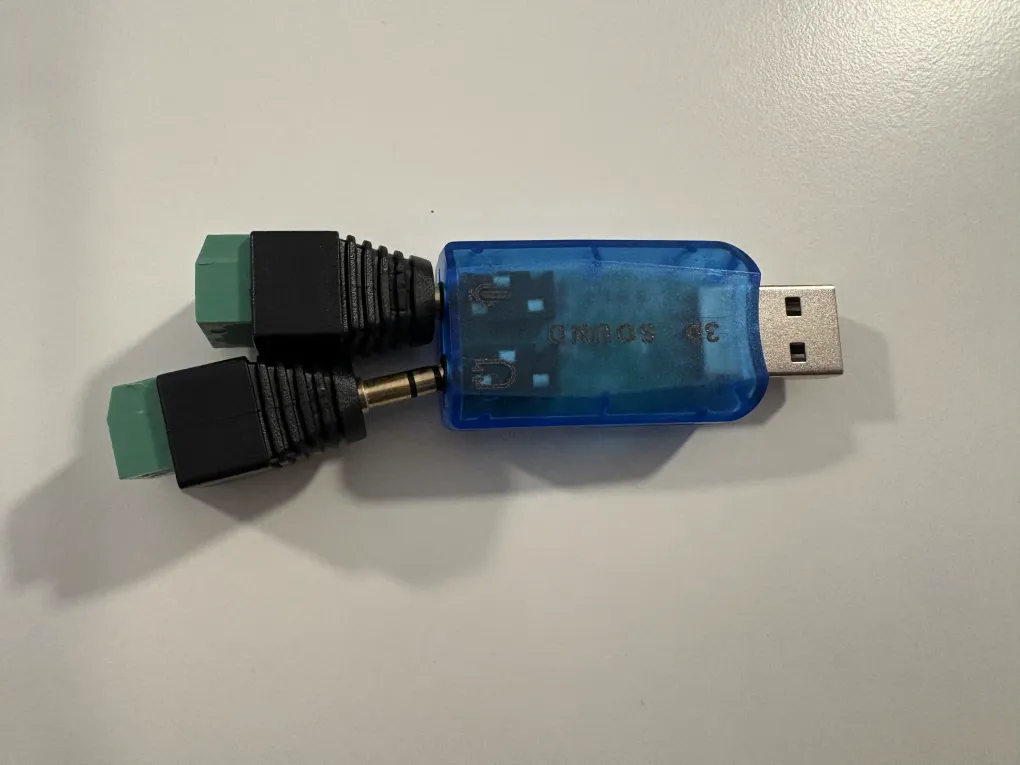
Wooohooo! My USB soundcards finally arrived!
Up until now, I’ve been debugging with a phone in each ear using my regular headphones. Now, it’s time to move the audio into the actual vintage handsets. However, adding real hardware brought a few new technical challenges that required some clever Python surgery.
1. Killing the pop
Cheap USB soundcards have a nasty habit: they go to sleep the second audio stops. When they wake up to play a new sound, they create a loud electrical pop in the receiver.
To fix this, I rewrote the LocalAudioChannel into a continuous stream engine. Instead of opening and closing the stream for every file, the script now stays open forever.
- When a file is playing: It streams the voice data.
- When it’s silent: It constantly writes digital zero to the card.
Because the stream never closes, the card never sleeps, and the popping is officially dead.
2. Dealing with diva hardware
I discovered that my new soundcards are a bit of a diva, they refuse to play low-quality 8000Hz audio (the standard for old phones). They demand 48,000Hz (studio quality).
Instead of re-converting all my files, I added an Upsampling Factor to the engine. If the card rejects the 8k signal, the code automatically duplicates every byte 6 times to hit that 48k target (48000 / 8000 = 6).
3. Authentic tones
Since I’m moving to real hardware, beep-beep wasn’t good enough anymore. I’ve started sourcing authentic dial tones, busy signals, and ringbacks from all over the world (shoutout to TonsOfTONZ).
Implementing those sounds are the final touches, and I will do it once I have created my whole user flow.
Since today, the whole 9V DC talking and recording system is alive. Let’s test the ringing system tomorrow!